


Notarize your documents with CCI Group
How to prepare for an online notarization session? 
To ensure a smooth and successful session, please take the following steps:
Ensure you have a stable internet connection, a computer or laptop, and a smartphone with a working camera.
Submit your notary request to begin the process. You’ll receive a session confirmation via email. Click the link in the email to proceed with preparation.
Follow the prompts to upload your document, complete identity verification and credential analysis. Once everything is complete, the notary will join you for the live session.
How do I prepare my computer for an online notarization?
To use the OneNotary platform, you need a web browser such as Google Chrome or Safari. To perform an online notarization, both the notary and the signer must have a reliable internet connection, a video camera, a speaker, and a microphone.
What happens during an online notarization session?
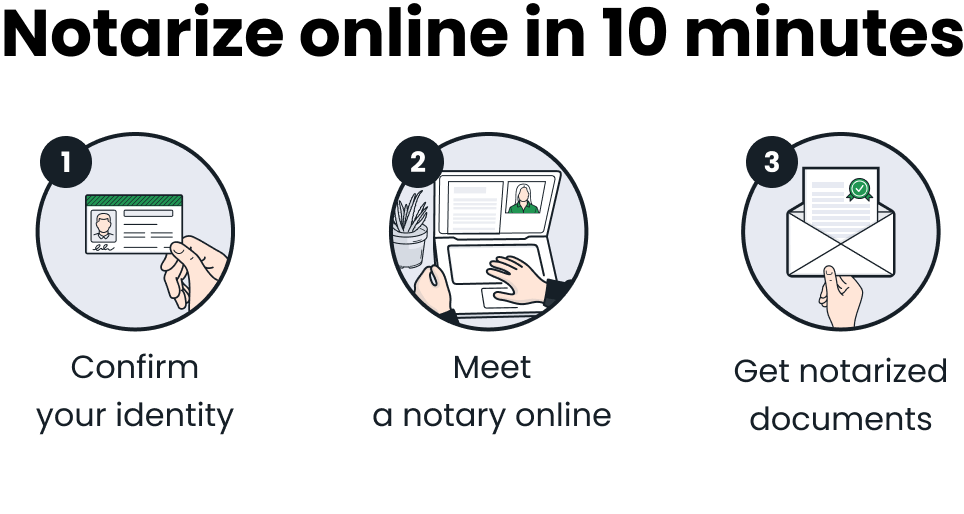
The online notarization session starts when the notary presses the "Start Session" button and you’ll press “Connect” on your side. You and the notary meet virtually in the same session window. The notary confirms your identity and describes the next steps. You fill in the required information and sign the document electronically. After this, the notary attaches a digital notarization seal and, if necessary, a notarization certificate. Once the notarization is complete, the notary closes the session. The notarized document is available to you immediately afterward.
How does the platform ensure compliance with state-specific notarization laws?
Experienced notaries are selected to maintain high standards of service. Online notarization requires notaries to follow the laws of the state where they are commissioned. While state laws vary, all notaries must verify the signer’s ID, confirm the signer is acting voluntarily, and ensure the signer understands the document. When a session is created, the system automatically matches it with a notary who meets the specific legal and document requirements. This approach ensures all notarizations are performed in accordance with applicable state laws and with the highest level of legal compliance.
How do I download the notarized document?
Once the notarization session is completed, you will be redirected to the session summary page where you will see the link to download the document. You will also receive an email with a link to download the document. Please note that we only keep your documents for 7 days after the notarization session is completed.
How is ID verification and credential analysis performed?
A third-party provider is used to ensure the signer’s identity. Identity verification requires two steps: the signer must answer specific identity-confirming questions, and then take photos of the front and back of their driver's license using a smartphone. These images are submitted through an encrypted channel for multi-layered identity analysis. Only signers with a confirmed identity can proceed with the online notarization session.
How is fake identification prevented in online notarization?
The platform uses advanced, multi-step ID verification processes, including real-time authentication of government-issued IDs. Sophisticated technologies detect manipulated ID images, altered content such as name, address, or date of birth, and face photo replacements.
The verification process includes acquisition of high-quality ID images, automatic extraction of data to assess authenticity, and real-time verification using computer vision, machine learning, and AI. Additionally, the system implements a robust verification process involving Knowledge-Based Authentication, Credential Analysis, and notary review. This comprehensive process ensures a high level of confidence in the signer’s identity.
How is personal and confidential information protected?
The platform partners with industry leaders to provide secure identity verification, payment collection, and encrypted data storage. Every session occurs in a secure virtual environment. Any confidential information not required to be retained is securely deleted.
How does OneNotary work
STEP 1 Enter your email to request a notary service

STEP 2 Upload the documents you need notarized in PDF format

STEP 3 Confirm your notary request and get ready to meet a notary

STEP 4 Meet a notary online and sign the documents in their presence

STEP 5 Download the notarized documents as soon as the session is complete